Nine amps
Voiced after the legendary circuit families, from the 50s tweed to modern high gain, three of them for bass. Original names, no logos.
MPC Plugins / Amp Rig
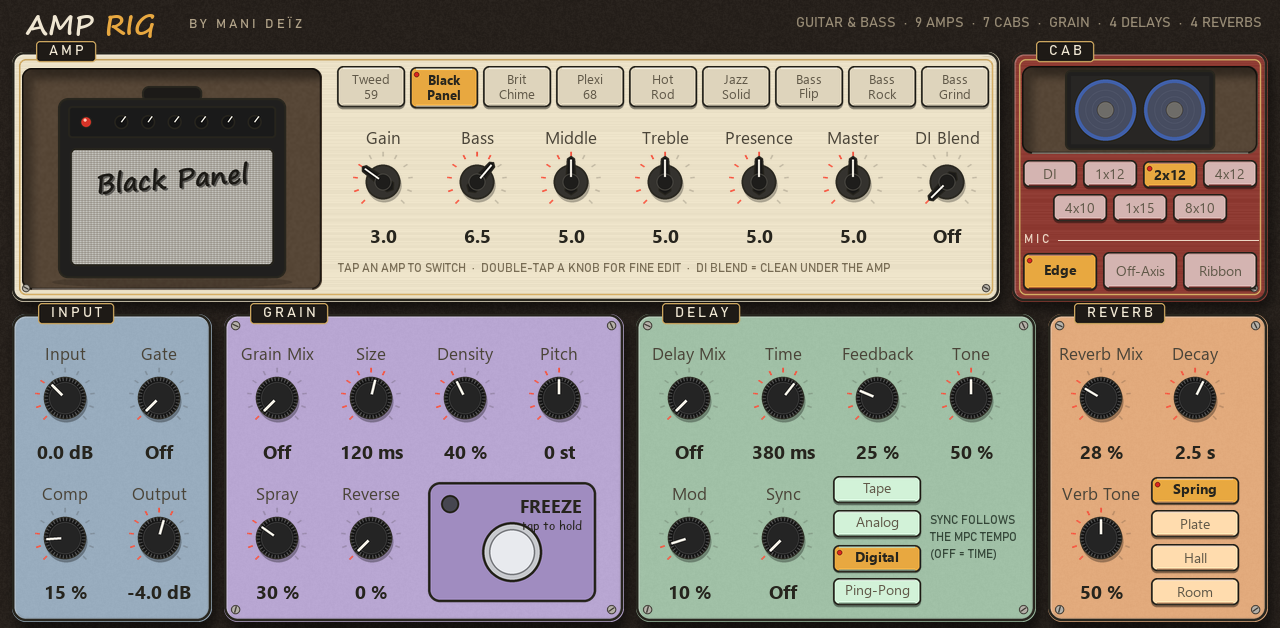
Plug your guitar or your bass into the MPC and play through nine amps, seven cabinets and a pedal board, all on one touch page.
Plug your guitar or your bass into the MPC and play through nine amps, seven cabinets and a pedal board, all on one touch page.
Input → Gate → Comp → Amp → Cabinet → Mic → Grain → Delay → Reverb
Voiced after the legendary circuit families, from the 50s tweed to modern high gain, three of them for bass. Original names, no logos.
Bass, Middle and Treble behave like the real passive circuits: computed from the component values of the published schematics.
Seven cabinets (1x12, 2x12, 4x12, 4x10, 1x15, 8x10, DI) and three mics: Edge, Off-Axis, Ribbon.
A granular cloud made of what you just played. Freeze turns the last seconds into a pad you play over.
Tape, Analog, Digital and Ping-Pong. Sync follows the tempo of the MPC.
Spring (the chirp and drip of an amp tank), Plate, Hall, Room.
Section by section, as written on the screen.
34 presets come with it.
Black Panel Clean · Tweed Crunch · Brit Chime · Plexi Rock · Hot Rod Lead · Jazz Box · Surf Spring · Neo Soul Clean · Lo-Fi Tape Guitar · Blues Breaker · Texas Tweed · Indie Jangle · Stoner Fuzz Wall · Metal Rhythm · Space Echo Dub · Dub Skank · Ping-Pong Funk · Shimmer Clouds · Shimmer Octave Up · Ambient Swell · Frozen Pad · Fifth Pad · Cinematic Freeze · Reverse Dream · Glitch Stutter · Bass Flip Warm · Bass Rock · Bass Grind · Octave Down Bass · Motown Bass · Fuzz Bass · Dub Bass · Synth Bass Octaver · Lo-Fi Bass
Amp Rig installs from the MANI DEÏZ Hub, on the MPC itself. Download the Hub once on your computer, then everything happens on the MPC.
Once, on your computer
Get the Hub zip with the button above and unzip it.
Put the folder inside into “VST2 Plugins” at the root of your SD card or USB drive. No “VST2 Plugins” folder there? Create it with exactly that name: the MPC does not make it.
On the MPC: Preferences, then Enhancements (Beta). Enable Enhancements and External Plugin Support, then restart.
Then, on the MPC
Make a plugin track and pick Mani Deïz Hub, under MANI DEÏZ. Connect the MPC to the network first (Wi-Fi or Ethernet).
On the plugin you want, as many as you like. When a new version comes out, the Hub tells you: touch UPDATE.
Restart the MPC: the new plugins are listed under MANI DEÏZ.
You need MPC OS 3.10.1 or later: older firmware cannot load third-party plugins. Made on the MPC Live III, built for the other standalone MPCs too (not tried on them yet). No network on your MPC? Each plugin's GitHub page explains how to install it by hand.
Any standalone MPC running MPC OS 3.10.1 or later: older firmware cannot load third-party plugins. MPC Live III: made and tested on it. MPC XL: same build, not tried yet. MPC Live, Live II, One, One+, X, X SE, Key 37, Key 61 and Force: a 32-bit build is in the zip, not tried yet. If you run it on one of those, tell us how it goes.
All free, all in the same Hub. See them all.
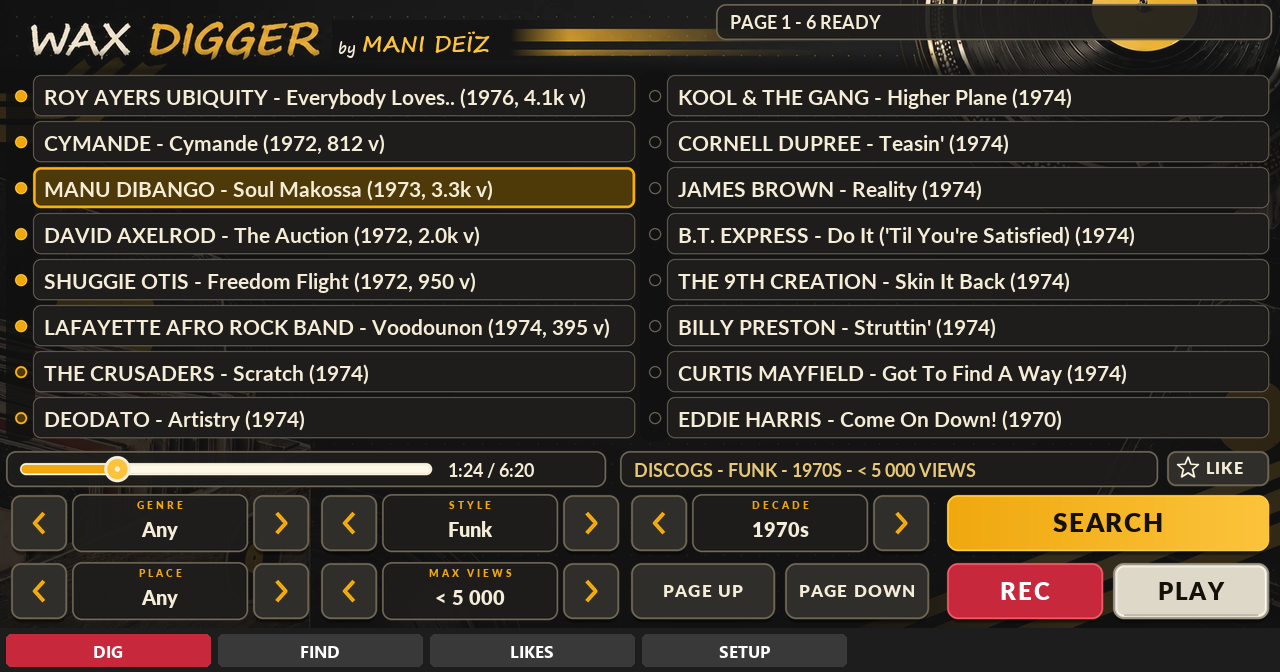
A record digger inside your MPC.
Free · beta · 70 MB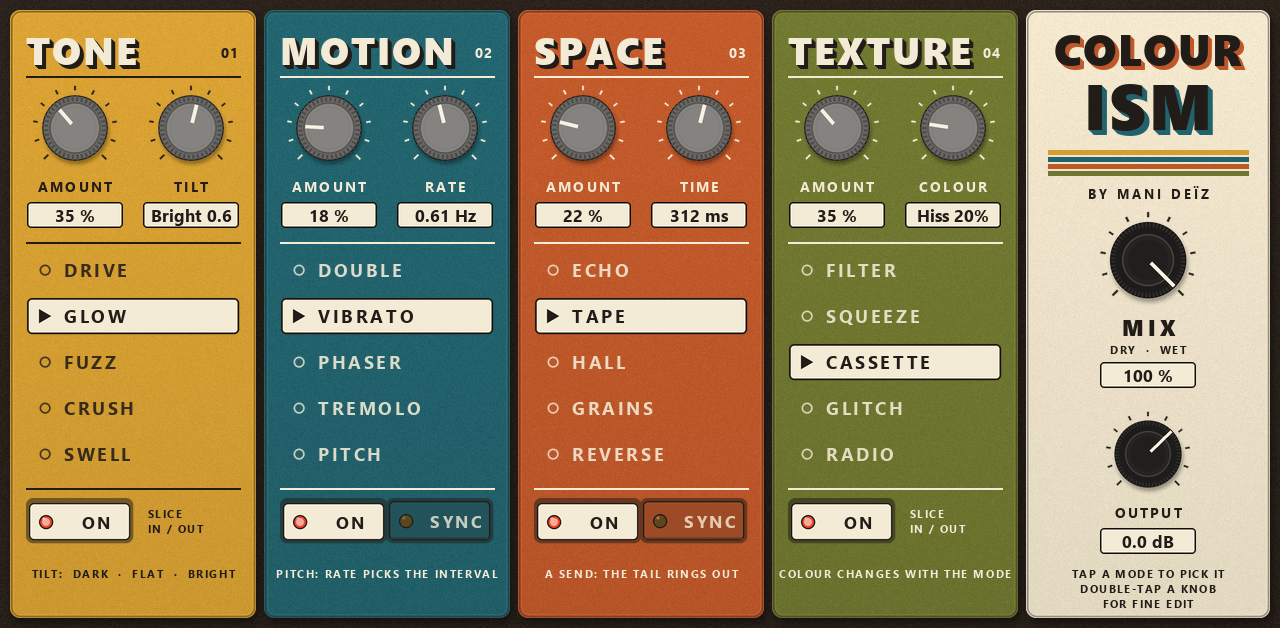
A multi-effect in four colours.
Free · 4.7 MB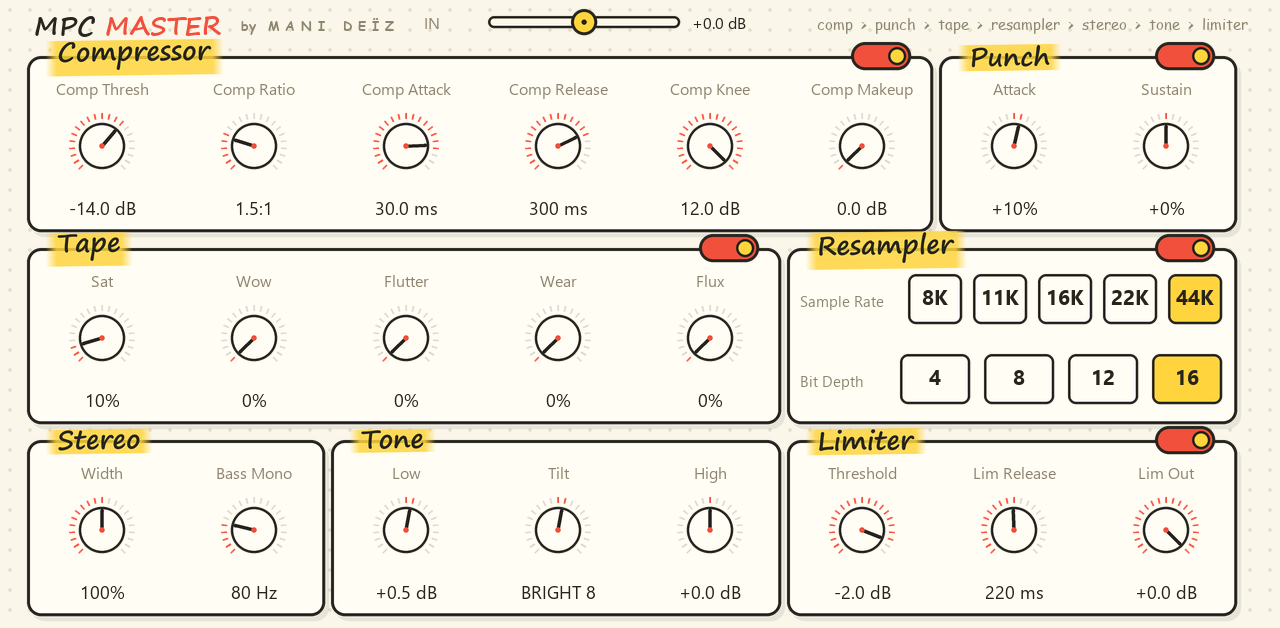
A whole mastering chain on one screen.
Free · 0.8 MB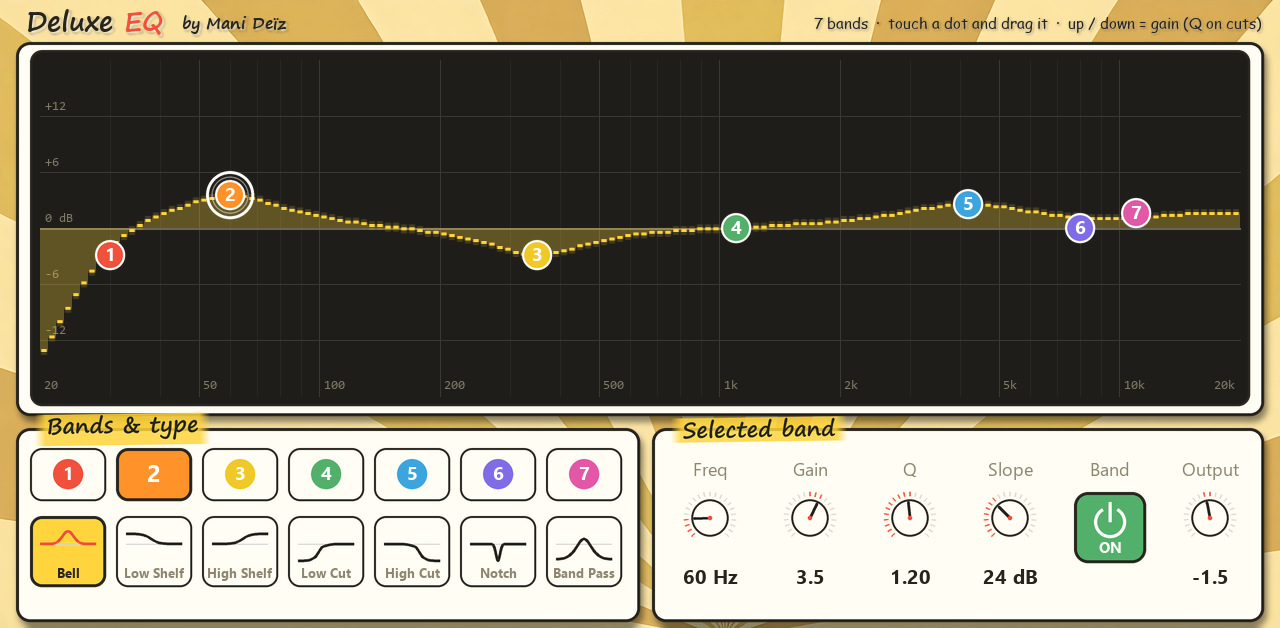
A 7-band EQ you play with your finger.
Free · 0.6 MB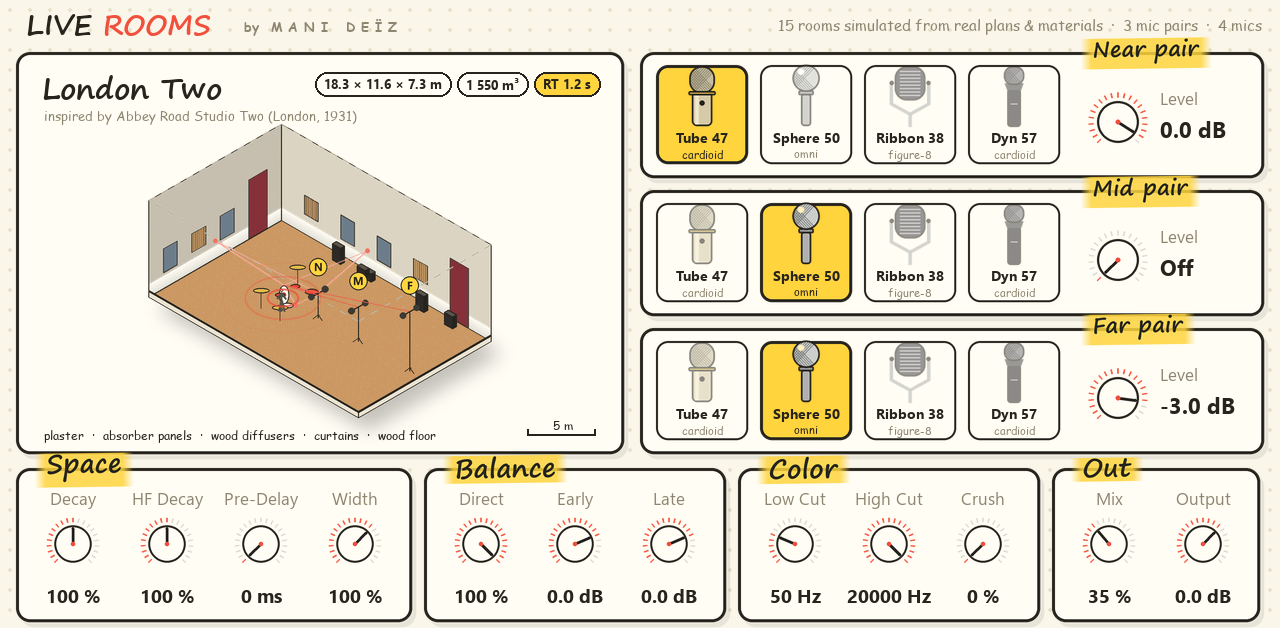
Real rooms and echo chambers around your sounds.
Free · 62 MB