Instant
Tap a title and it plays. The next ones load while you listen, so you run down a page like in the MPC's own sample browser.
MPC Plugins / Wax Digger
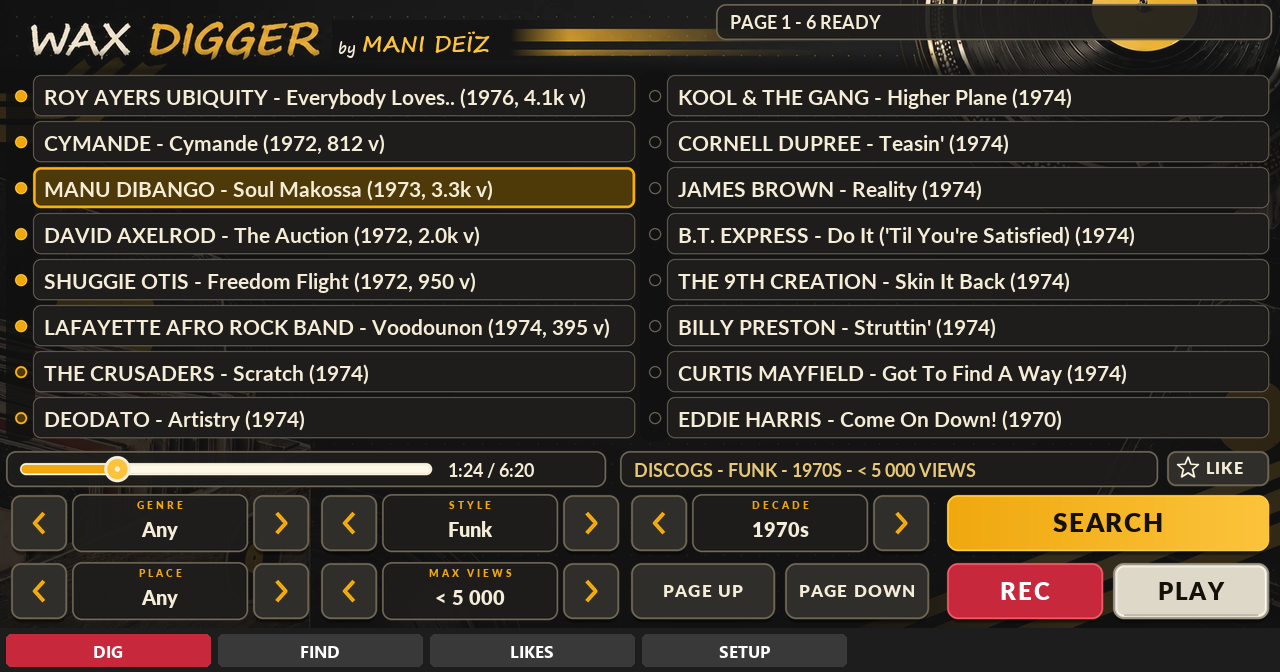
Search, tap a title, hear it at once, record the part you want. It runs on the MPC itself, over Wi-Fi or Ethernet: no computer, no phone.
Search, tap a title, hear it at once, record the part you want. It runs on the MPC itself, over Wi-Fi or Ethernet: no computer, no phone.
Tap a title and it plays. The next ones load while you listen, so you run down a page like in the MPC's own sample browser.
DIG by genre, style, decade and place. FIND by typing any words: an artist, a label, a drummer.
A Max views filter keeps only what was seen less than 500, 1 000, 5 000 times. That is where the unsampled records are.
Record the part you want. It lands on your drive as a WAV named like the record, ready to chop.
Star a title, find it again later in its own tab.
The data wheel walks through the titles, a push is play / pause. No knob to learn.
Wax Digger installs from the MANI DEÏZ Hub, on the MPC itself. Download the Hub once on your computer, then everything happens on the MPC.
Once, on your computer
Get the Hub zip with the button above and unzip it.
Put the folder inside into “VST2 Plugins” at the root of your SD card or USB drive. No “VST2 Plugins” folder there? Create it with exactly that name: the MPC does not make it.
On the MPC: Preferences, then Enhancements (Beta). Enable Enhancements and External Plugin Support, then restart.
Then, on the MPC
Make a plugin track and pick Mani Deïz Hub, under MANI DEÏZ. Connect the MPC to the network first (Wi-Fi or Ethernet).
On the plugin you want, as many as you like. When a new version comes out, the Hub tells you: touch UPDATE.
Restart the MPC: the new plugins are listed under MANI DEÏZ.
You need MPC OS 3.10.1 or later: older firmware cannot load third-party plugins. Made on the MPC Live III, built for the other standalone MPCs too (not tried on them yet). No network on your MPC? Each plugin's GitHub page explains how to install it by hand.
Any standalone MPC running MPC OS 3.10.1 or later: older firmware cannot load third-party plugins. MPC Live III: made and tested on it. MPC XL: same build, not tried yet. MPC Live, Live II, One, One+, X, X SE, Key 37, Key 61 and Force: a 32-bit build is in the zip, not tried yet. If you run it on one of those, tell us how it goes.
The small things worth knowing before you start.
All free, all in the same Hub. See them all.
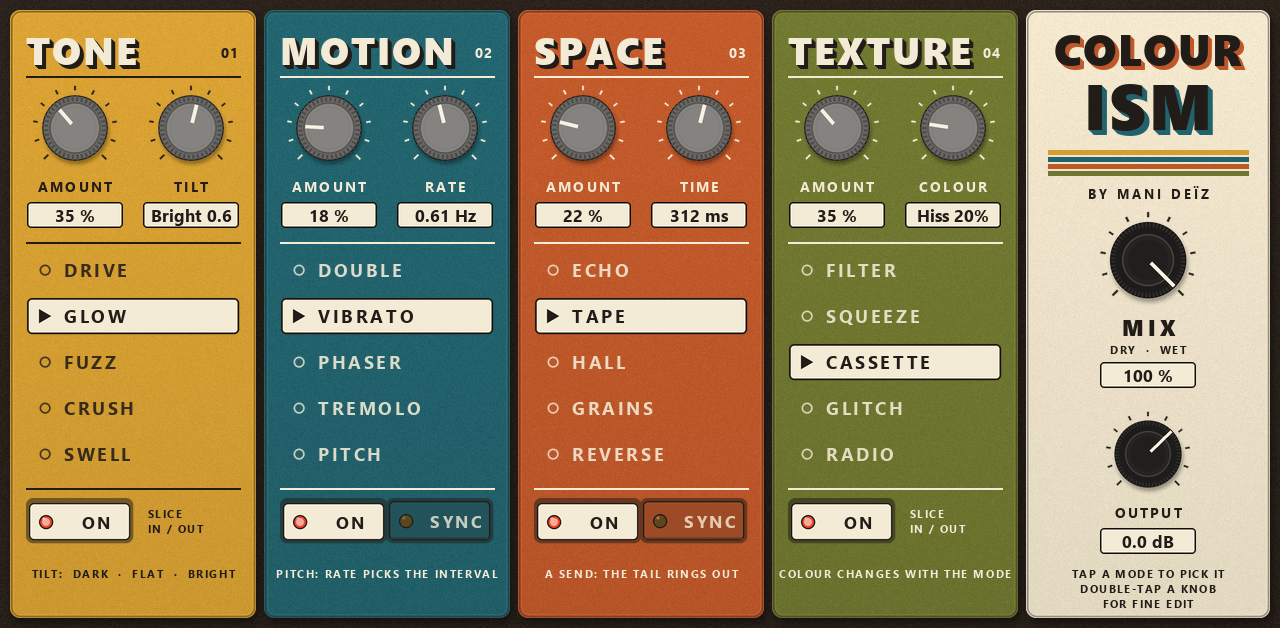
A multi-effect in four colours.
Free · 4.7 MB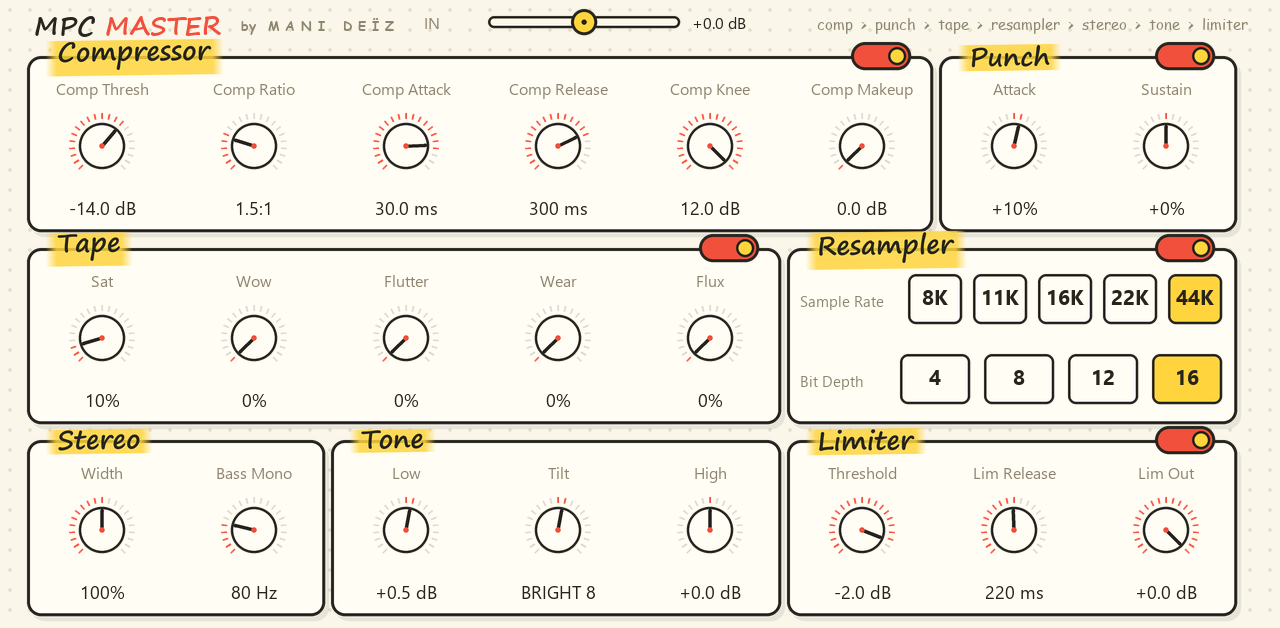
A whole mastering chain on one screen.
Free · 0.8 MB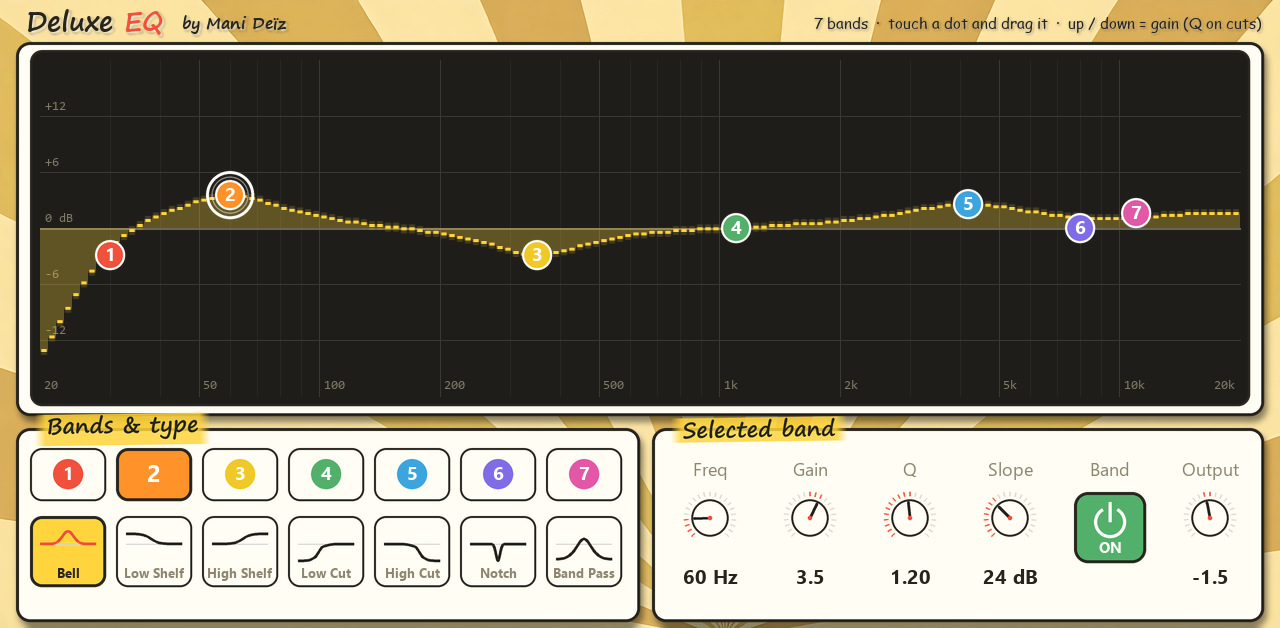
A 7-band EQ you play with your finger.
Free · 0.6 MB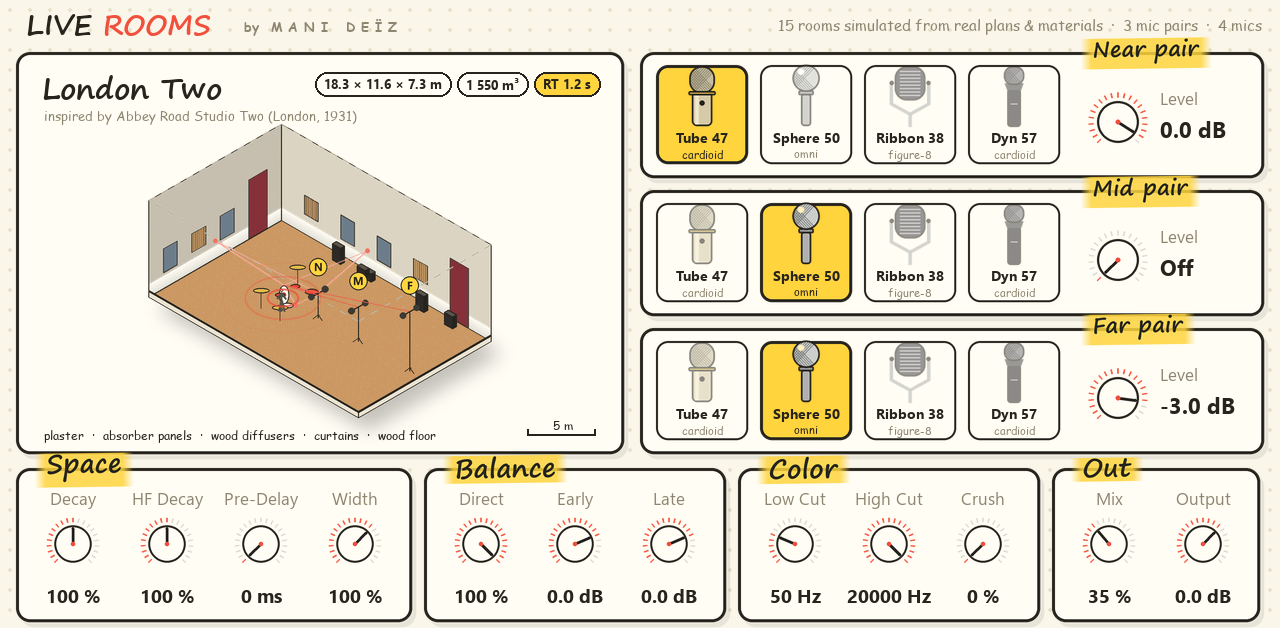
Real rooms and echo chambers around your sounds.
Free · 62 MB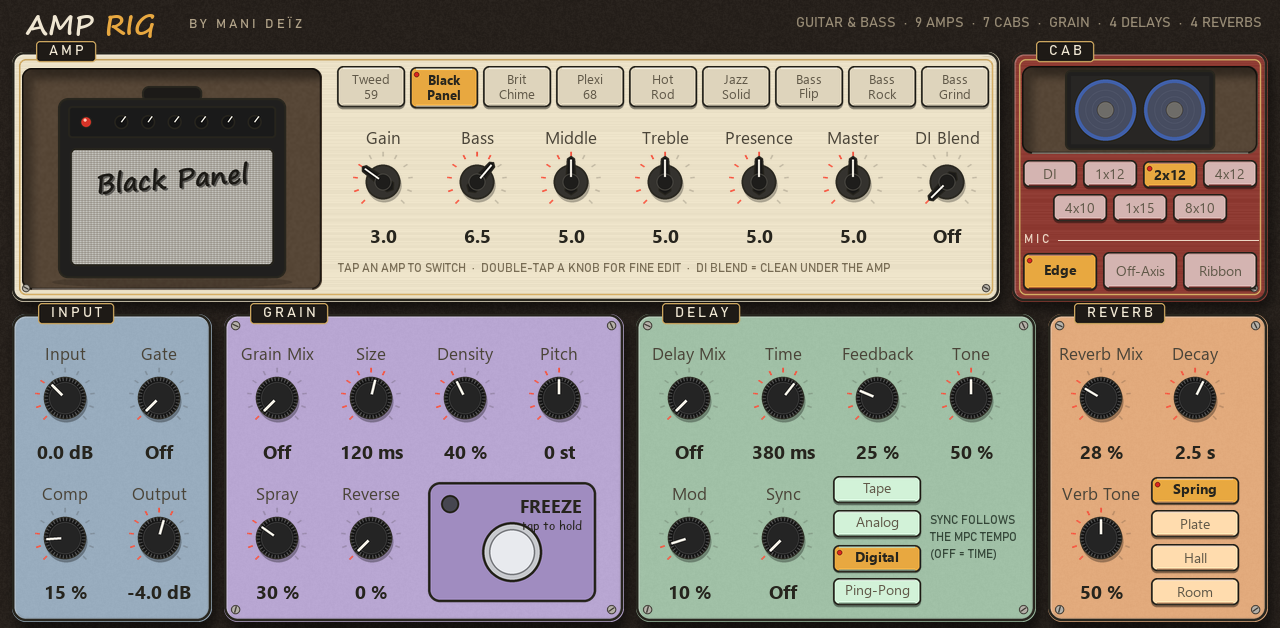
A whole guitar and bass rig in one insert.
Free · 1.5 MB