Tone
Drive, Glow (tube warmth), Fuzz (an octave up when you push it), Crush (bits and sample rate) and Swell (every hit fades in). Tilt makes it darker or brighter.
MPC Plugins / Colourism
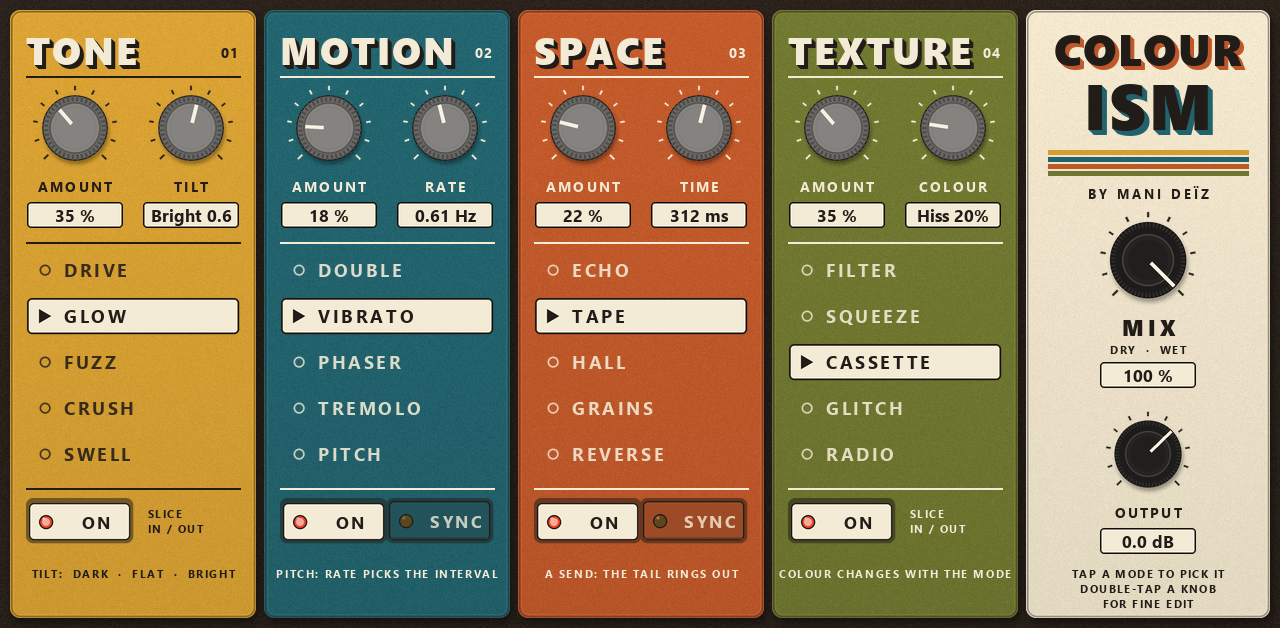
Four slices in a row, each with its own colour: Tone, Motion, Space and Texture. Switch them on, pick a mode in each, turn two knobs. Twenty sounds on one touch page.
Four slices in a row, each with its own colour: Tone, Motion, Space and Texture. Switch them on, pick a mode in each, turn two knobs. Twenty sounds on one touch page.
Tone → Motion → Space → Texture → Mix → Output
Drive, Glow (tube warmth), Fuzz (an octave up when you push it), Crush (bits and sample rate) and Swell (every hit fades in). Tilt makes it darker or brighter.
Double, Vibrato, Phaser, Tremolo and Pitch, from -24 to +24 semitones. With SYNC, Rate becomes a note value locked to the MPC.
Echo (each repeat blurs a little more), Tape, Hall up to 12.8 s, Grains and Reverse. It is a send: switch it off and the tail rings out.
Filter (DJ low-pass / high-pass that opens with each hit), Squeeze, Cassette, Glitch on the MPC grid, and Radio.
Changing mode or turning Amount does not jump in volume, so you judge the colour, not the loudness.
Modes and slices fade in and out. The cassette hiss and the radio static fade out when the music stops.
Section by section, as written on the screen.
20 presets come with it.
Colourism · Dusty Sampler · Boom Bap Glue · Late Night Radio · Wobbly Keys · Phase Daze · Tremolo Soul · Fuzz Box · Swell Pads · Octave Shimmer · Reverse World · Grain Collage · Stutter Machine · Dub Siren Echo · Telephone · Wide Double · Bit Rot · Low Pass Haze · Pumping Room · All Off
Colourism installs from the MANI DEÏZ Hub, on the MPC itself. Download the Hub once on your computer, then everything happens on the MPC.
Once, on your computer
Get the Hub zip with the button above and unzip it.
Put the folder inside into “VST2 Plugins” at the root of your SD card or USB drive. No “VST2 Plugins” folder there? Create it with exactly that name: the MPC does not make it.
On the MPC: Preferences, then Enhancements (Beta). Enable Enhancements and External Plugin Support, then restart.
Then, on the MPC
Make a plugin track and pick Mani Deïz Hub, under MANI DEÏZ. Connect the MPC to the network first (Wi-Fi or Ethernet).
On the plugin you want, as many as you like. When a new version comes out, the Hub tells you: touch UPDATE.
Restart the MPC: the new plugins are listed under MANI DEÏZ.
You need MPC OS 3.10.1 or later: older firmware cannot load third-party plugins. Made on the MPC Live III, built for the other standalone MPCs too (not tried on them yet). No network on your MPC? Each plugin's GitHub page explains how to install it by hand.
Any standalone MPC running MPC OS 3.10.1 or later: older firmware cannot load third-party plugins. MPC Live III: made and tested on it. MPC XL: same build, not tried yet. MPC Live, Live II, One, One+, X, X SE, Key 37, Key 61 and Force: a 32-bit build is in the zip, not tried yet. If you run it on one of those, tell us how it goes.
All free, all in the same Hub. See them all.
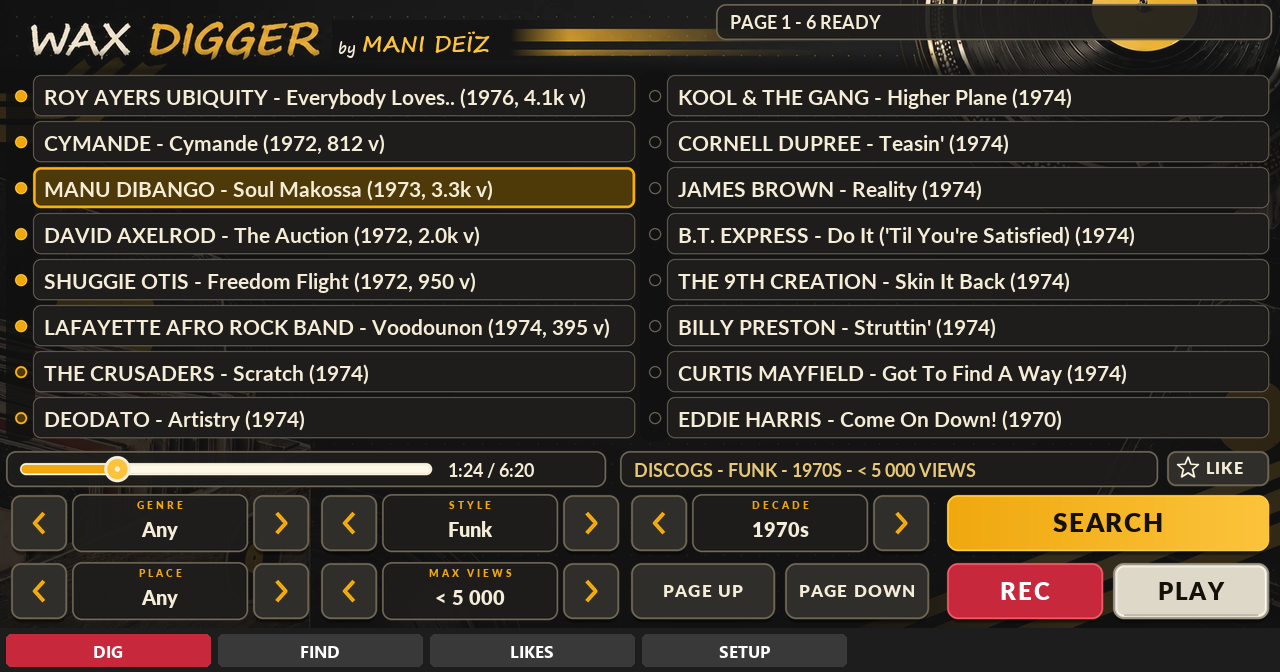
A record digger inside your MPC.
Free · beta · 70 MB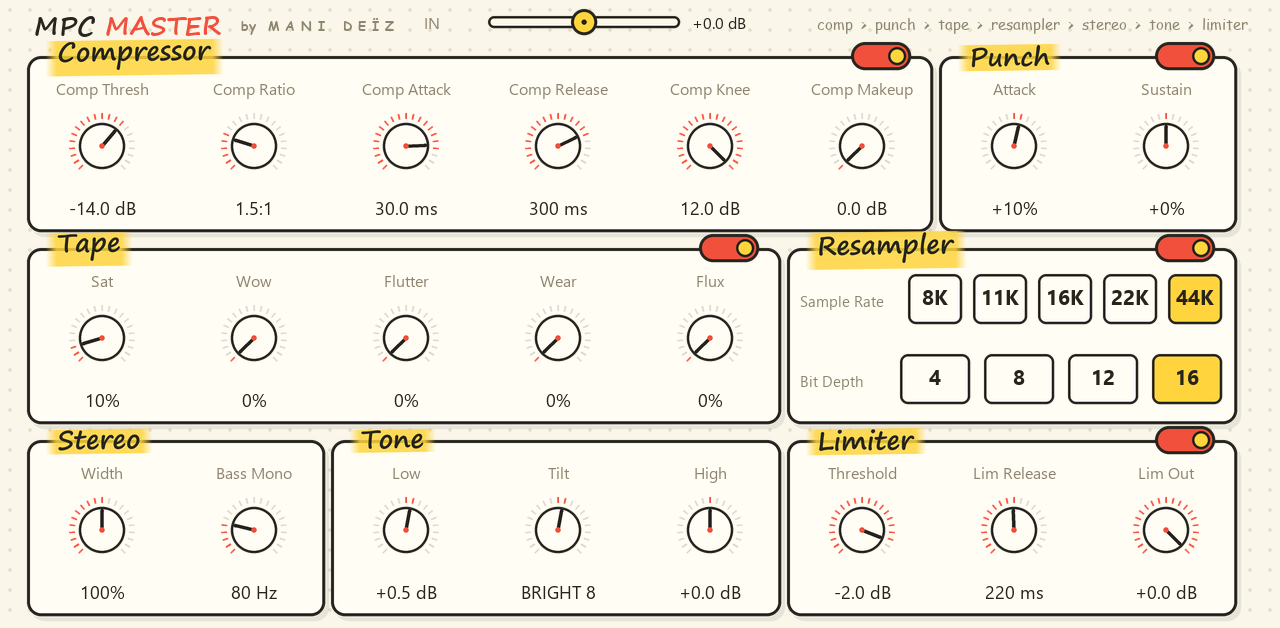
A whole mastering chain on one screen.
Free · 0.8 MB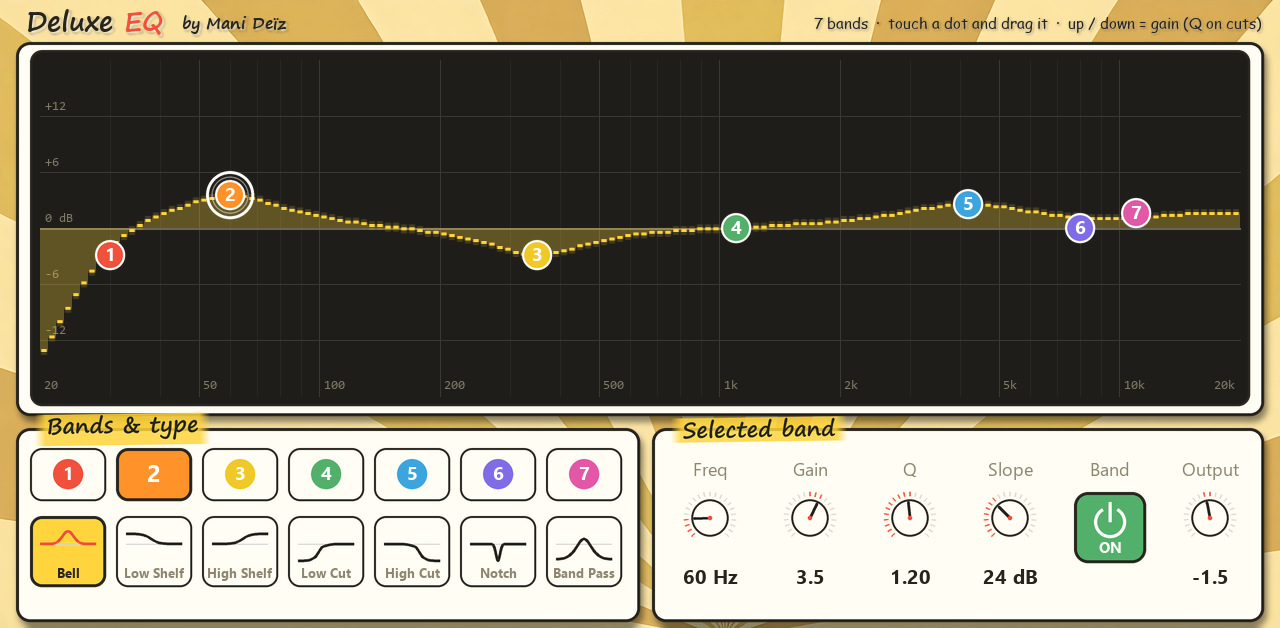
A 7-band EQ you play with your finger.
Free · 0.6 MB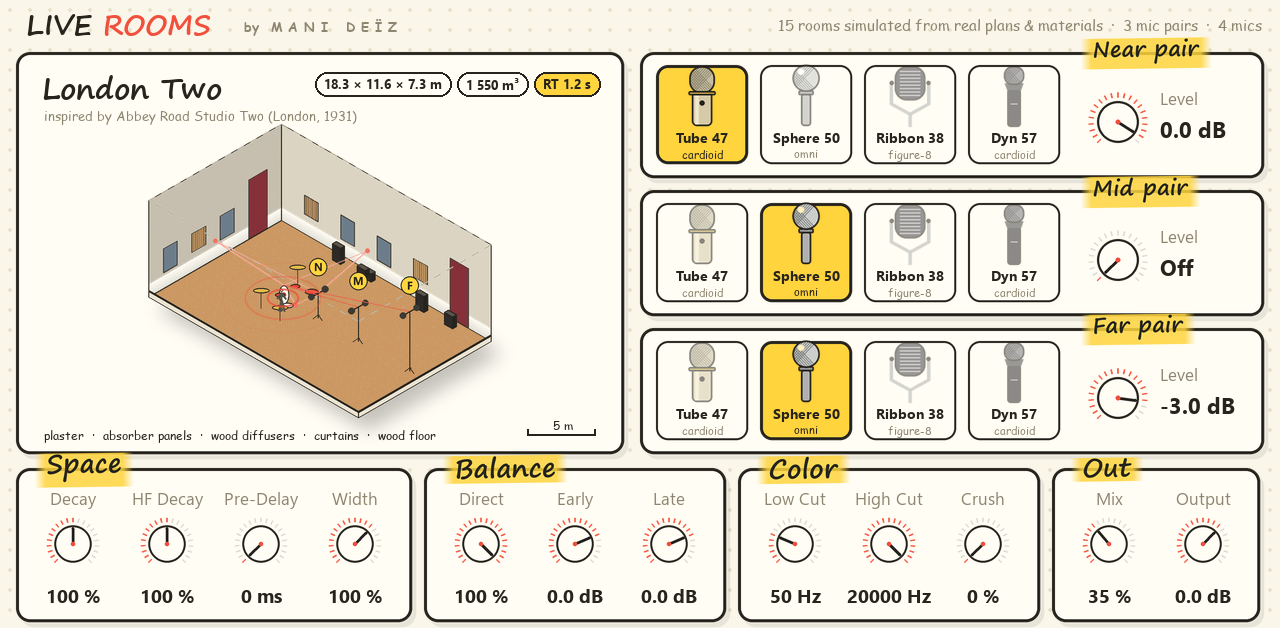
Real rooms and echo chambers around your sounds.
Free · 62 MB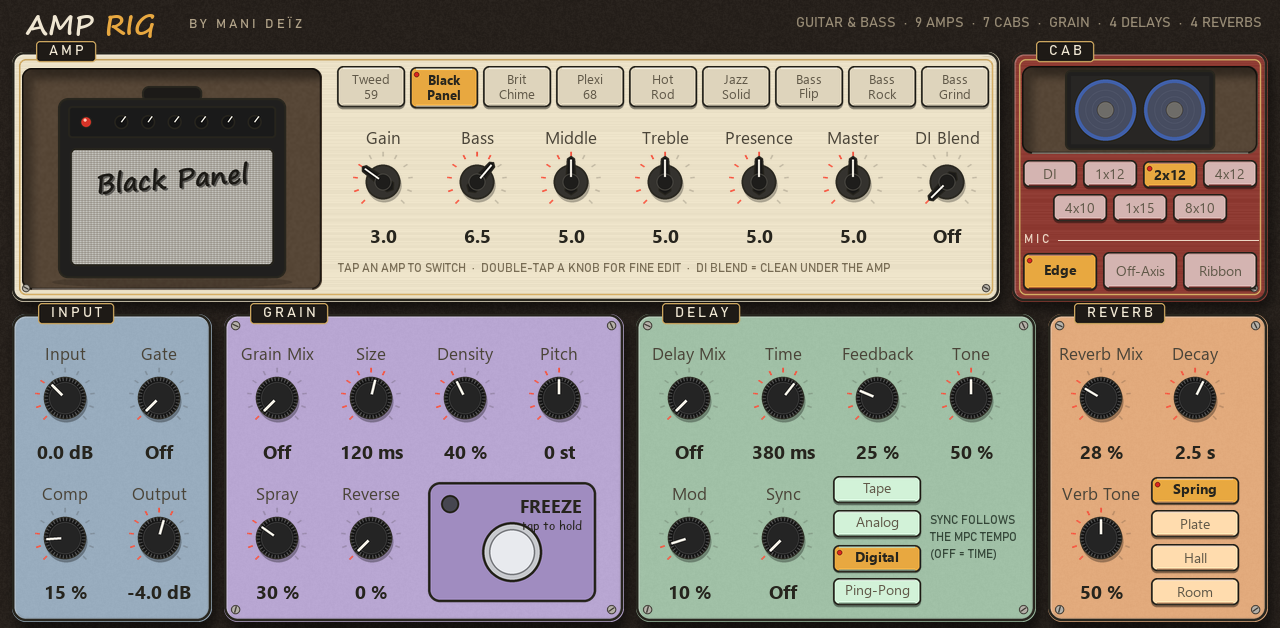
A whole guitar and bass rig in one insert.
Free · 1.5 MB