Type
Four voices of the same reverb: Hall, the classic one; Room, tighter; Plate, denser and smoother; Ambience, a cloud of early reflections. Type changes the hidden lengths inside the reverb, never your knobs.
MPC Plugins / EPS1995
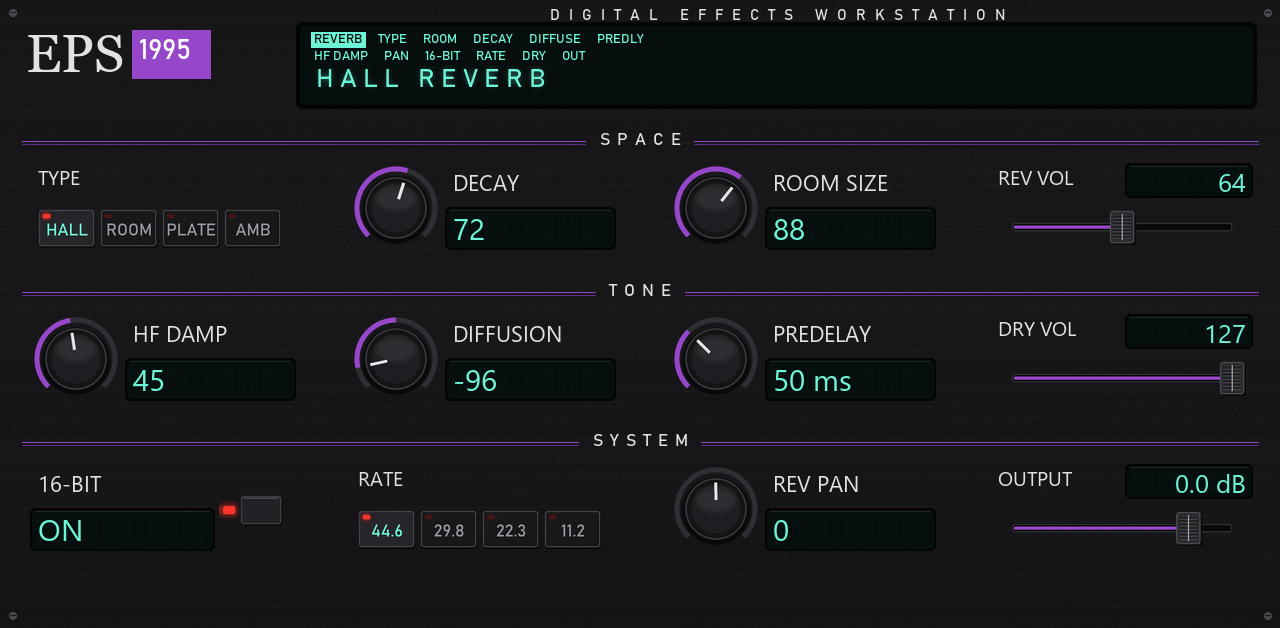
The dense, grainy, slightly dark reverb that 16-bit samplers of the early nineties had built in, rebuilt for the MPC on a rack front with a green display.
The dense, grainy, slightly dark reverb that 16-bit samplers of the early nineties had built in, rebuilt for the MPC on a rack front with a green display.
Input → Rate → Predelay → two cross-fed halves (lowpass, 3 allpass diffusers, decay line) → Mix → Output
Four voices of the same reverb: Hall, the classic one; Room, tighter; Plate, denser and smoother; Ambience, a cloud of early reflections. Type changes the hidden lengths inside the reverb, never your knobs.
The reverb memory is stored in 16-bit words, as in the effect chips of those samplers: the tail keeps a fine grain as it fades.
Plays the sound as if it had been sampled into the machine at 44.6, 29.8, 22.3 or 11.2 kHz. The dry sound and the reverb get that band limit.
The first diffuser of each half. Its sign changes the colour of the reverb, from smooth to metallic.
The green display shows the reverb type, and the knobs follow when you change preset on the MPC.
Changing Type or Room Size while playing glides over 150 ms.
Section by section, as written on the screen.
12 presets come with it.
Original Hall · Large Hall · Smaller Spaces · Small Ambience · Big Hall · Big Wash · Drum Room · Dub Room · Lofi Room 22k · Vocal Plate · Dark Plate · Tight Ambience
EPS1995 installs from the MANI DEÏZ Hub, on the MPC itself. Download the Hub once on your computer, then everything happens on the MPC.
Once, on your computer
Get the Hub zip with the button above and unzip it.
Put the folder inside into “VST2 Plugins” at the root of your SD card or USB drive. No “VST2 Plugins” folder there? Create it with exactly that name: the MPC does not make it.
On the MPC: Preferences, then Enhancements (Beta). Enable Enhancements and External Plugin Support, then restart.
Then, on the MPC
Make a plugin track and pick Mani Deïz Hub, under MANI DEÏZ. Connect the MPC to the network first (Wi-Fi or Ethernet).
On the plugin you want, as many as you like. When a new version comes out, the Hub tells you: touch UPDATE.
Restart the MPC: the new plugins are listed under MANI DEÏZ.
You need MPC OS 3.10.1 or later: older firmware cannot load third-party plugins. Made on the MPC Live III, built for the other standalone MPCs too (not tried on them yet). No network on your MPC? Each plugin's GitHub page explains how to install it by hand.
Any standalone MPC running MPC OS 3.10.1 or later: older firmware cannot load third-party plugins. MPC Live III: made and tested on it. MPC XL: same build, not tried yet. MPC Live, Live II, One, One+, X, X SE, Key 37, Key 61 and Force: a 32-bit build is in the zip, not tried yet. If you run it on one of those, tell us how it goes.
All free, all in the same Hub. See them all.
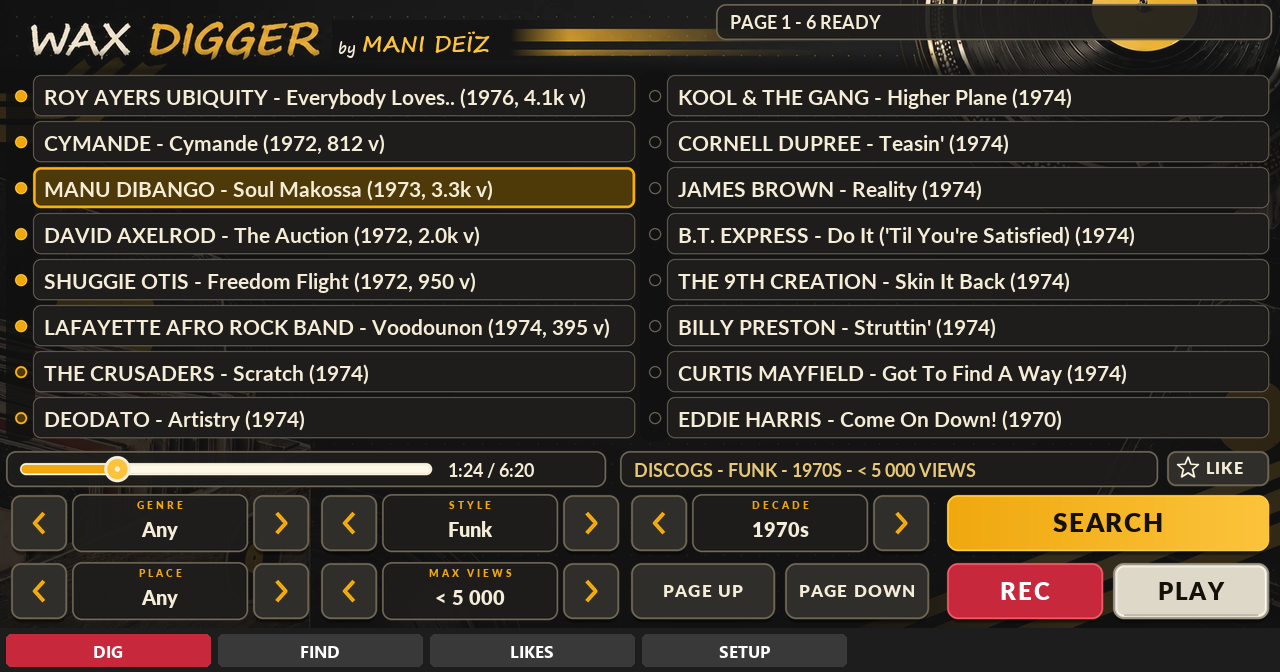
A record digger inside your MPC.
Free · beta · 70 MB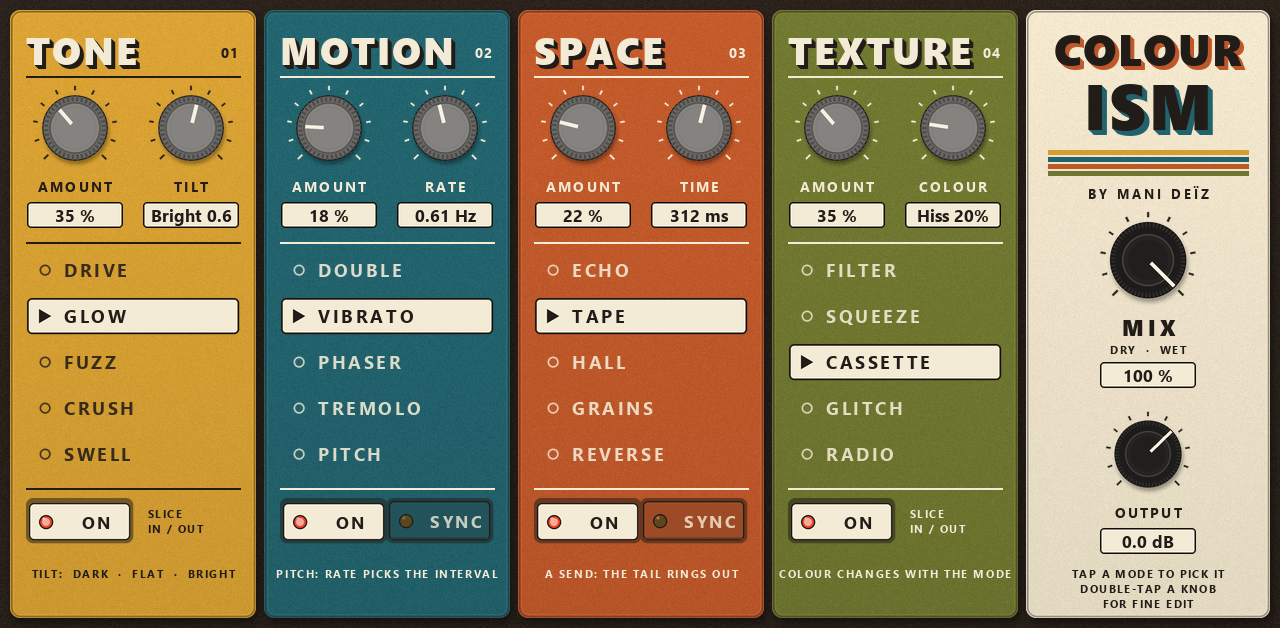
A multi-effect in four colours.
Free · 4.7 MB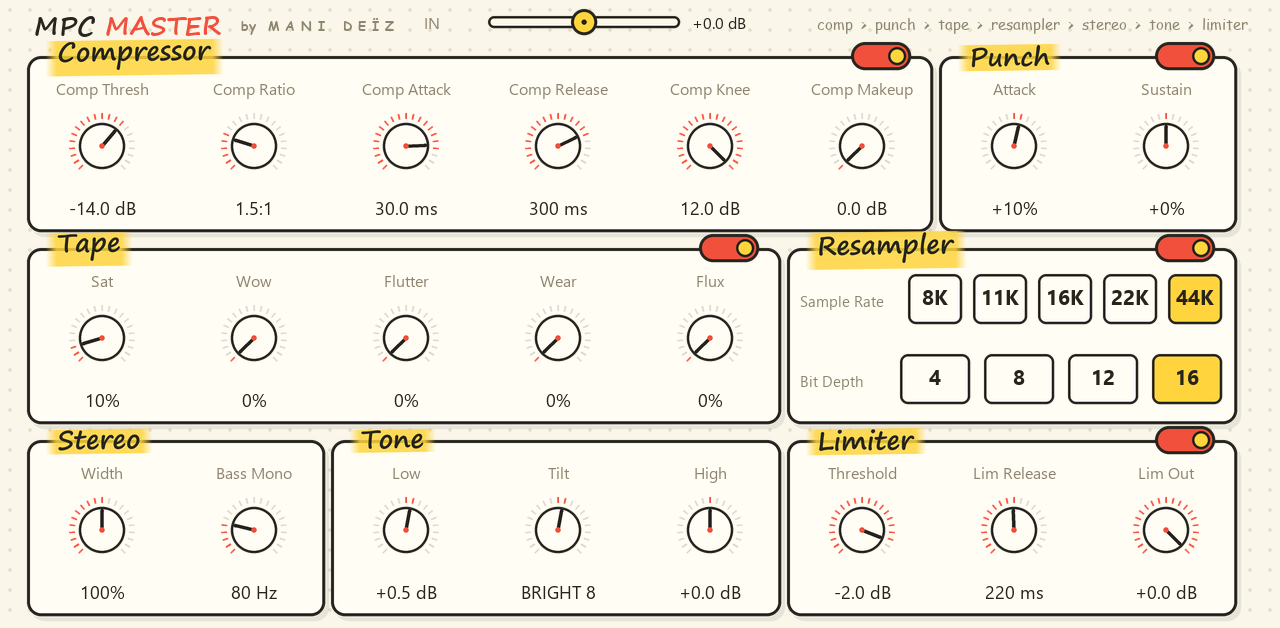
A whole mastering chain on one screen.
Free · 0.8 MB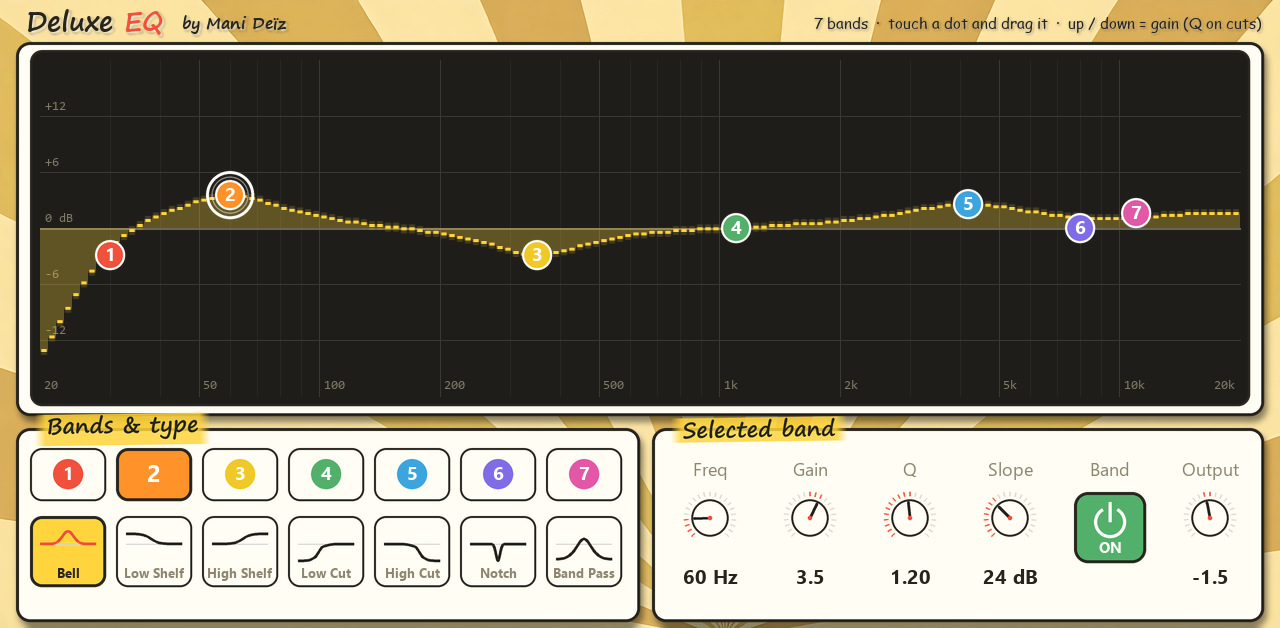
A 7-band EQ you play with your finger.
Free · 0.6 MB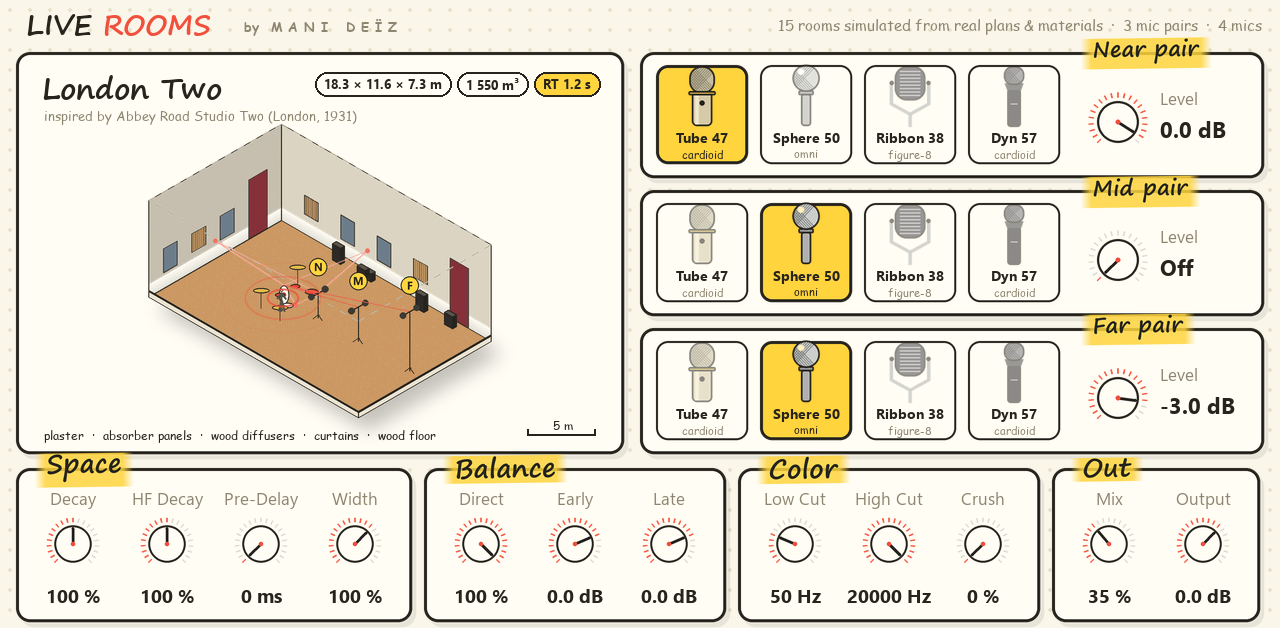
Real rooms and echo chambers around your sounds.
Free · 62 MB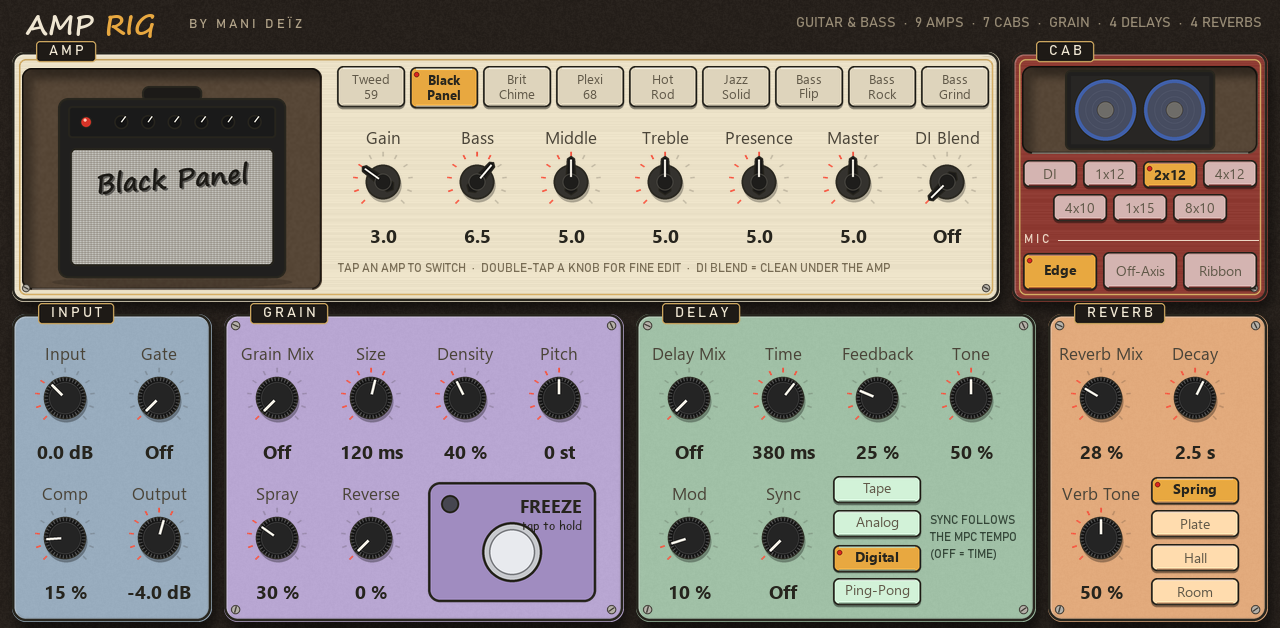
A whole guitar and bass rig in one insert.
Free · 1.5 MB